Having multiple instances of the same app running on your Android phone is something everyone needs once in a while. Some apps, such as Instagram, have recognized that need and support multi-account login natively. For the rest, you might need to use a tool like Parallel Space.
How the virtual environment works
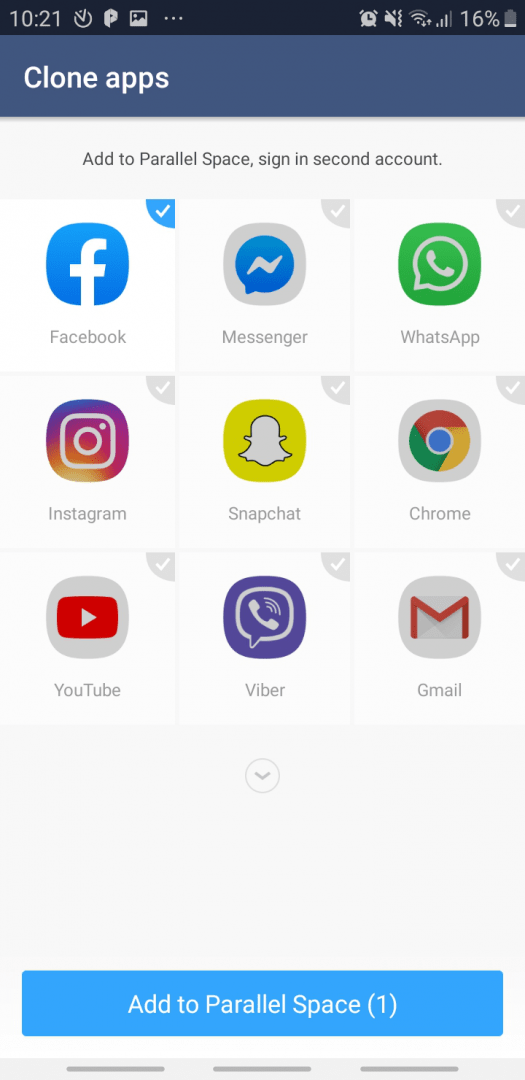
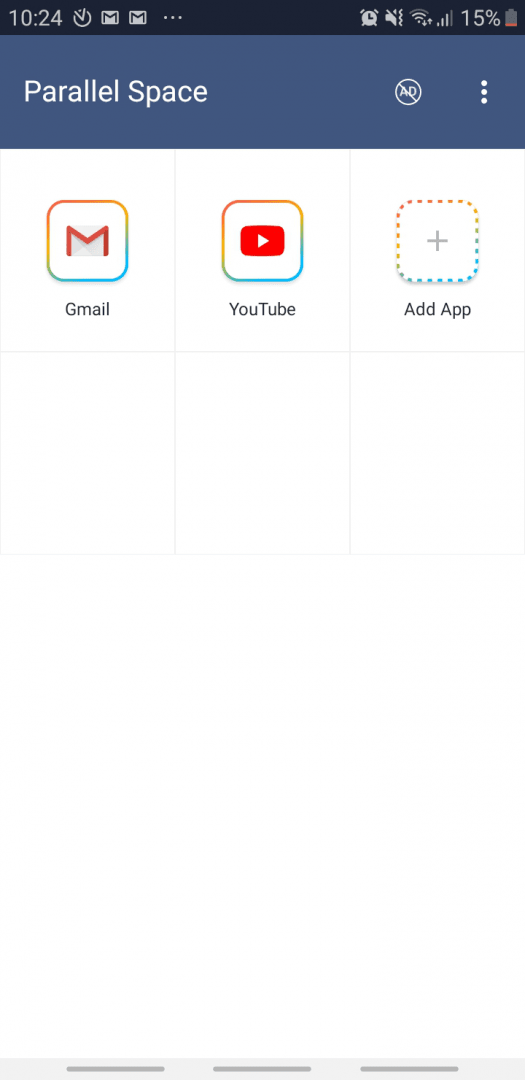
Parallel Space is a free app available for Android. It creates a virtual environment where you can clone apps to log in with different credentials. This saves you from the hassle of signing in and out every time you want to switch accounts. Cloned apps are stored exclusively within Parallel Space and open directly to your second account.Account limits and security options
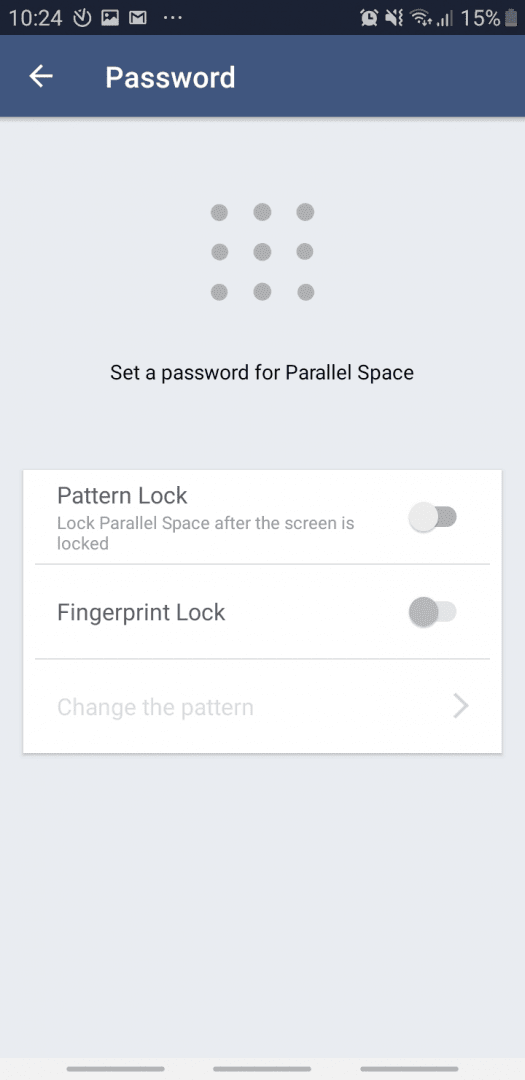
You can clone as many different apps as you want, but the free tier generally restricts you to just one extra account per app. If a cloned app requires a mobile number to sign in, you will need a second active number to receive the verification code. You don't strictly need a dual-SIM phone to do so, as long as you can access the text message. Security is another strong point, allowing you to lock the app behind a pattern, password, or a fingerprint. It even includes a built-in private browser.Ads and premium upgrades
The free version is ad-supported, but you can purchase a subscription or a lifetime license to remove them. These upgrades often go on sale, making the premium tier quite appealing. In the free tier, full-screen ads often pop up when you open an app, which slows things down considerably, making it especially frustrating if you just want to reply to a quick chat.Performance and battery drain
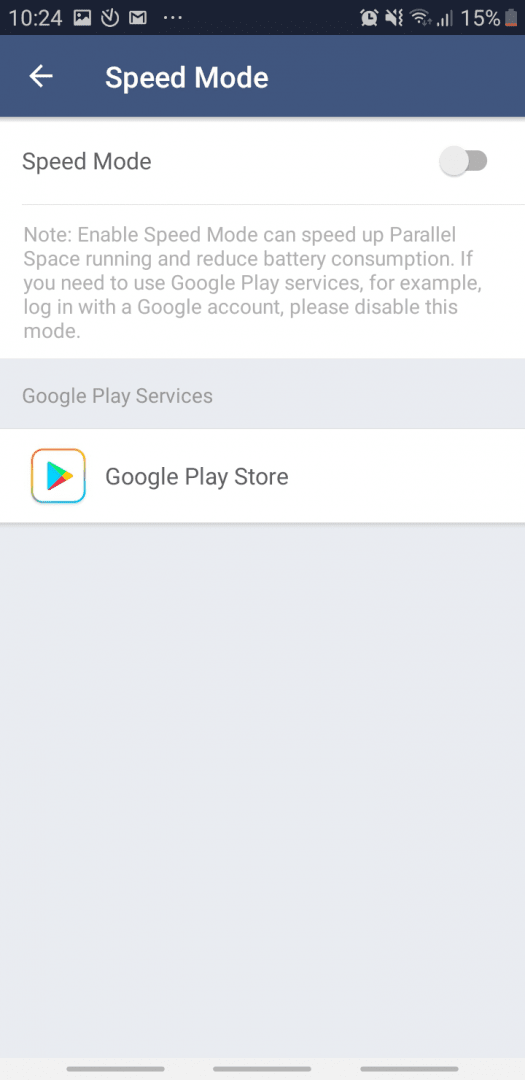
Cloned apps also suffer from a noticeable loading period. This isn't a big deal for something like YouTube, where you typically settle in to watch a video for a while. Instant messengers, however, demand quick access, and Parallel Space struggles to deliver that snappy response. You can turn on Speed Mode to improve load times, but it completely disables Google Play services for the clones, which breaks many apps. Running a virtual environment in the background also tends to drain your battery much faster than normal.